
PlasmaNest features
| Feature | PlasmaNest |
|---|---|
| Batch multi-material export of nested sheets (*.dxf) | ✓ |
| Nesting map printing | ✓ |
| Manual part nesting | ✓ |
| Part vector export | ✓ |
| Part and sheet quantity accounting | ✓ |
| Array nesting | ✓ |
| Parametric part template library | ✓ |
| Automatic part nesting | ✓ |
PlasmaCalc features
| Feature | PlasmaCalc |
|---|---|
| Loading part files (*.dxf) | ✓ |
| Flexible cost-calculation settings | ✓ |
| Excel data import | ✓ |
| Manager report generation | ✓ |
| Customer report generation | ✓ |
| Data export to PlasmaNest | ✓ |
| Data import from PlasmaNest | ✓ |
| Parametric part template library | ✓ |
Working in Plasmicon PlasmaCalc&Nest
Working in Plasmicon PlasmaCalc&Nest
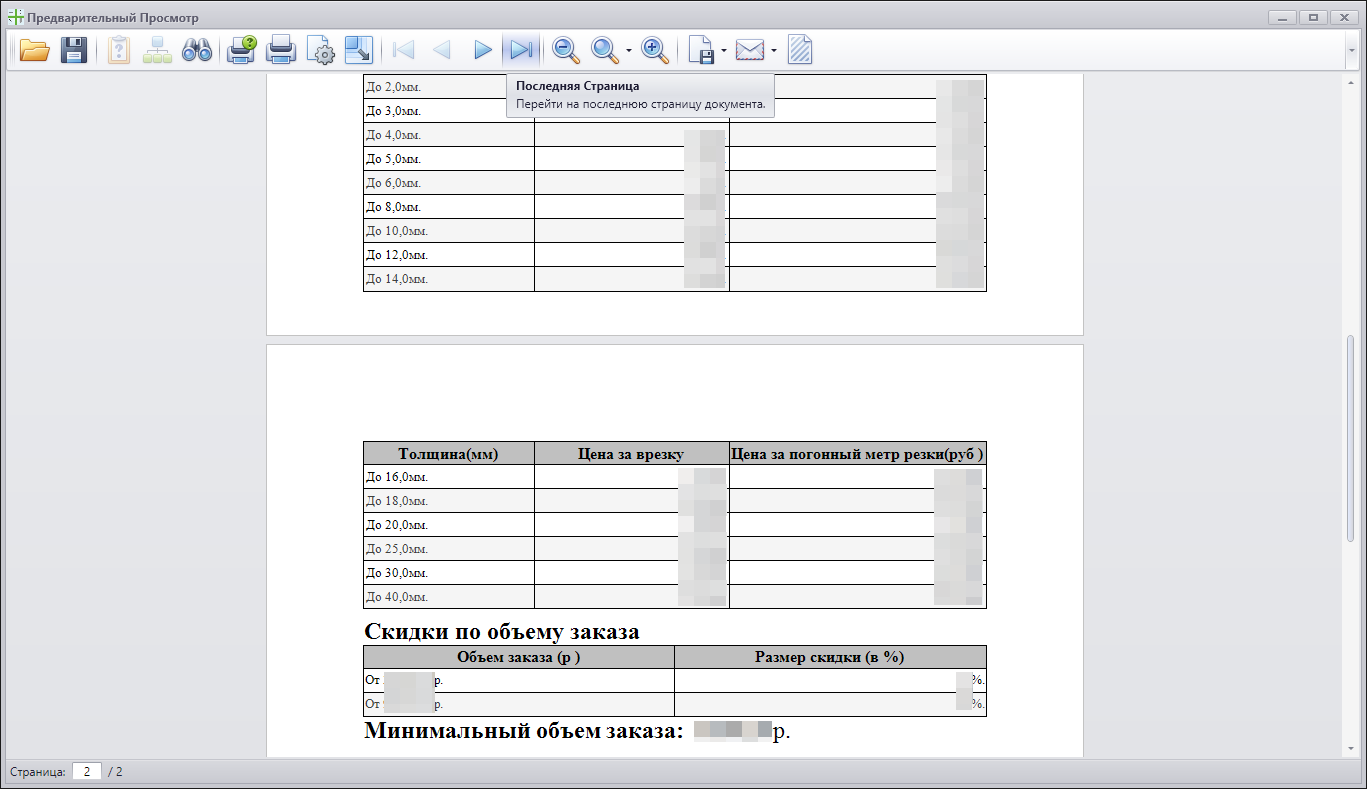
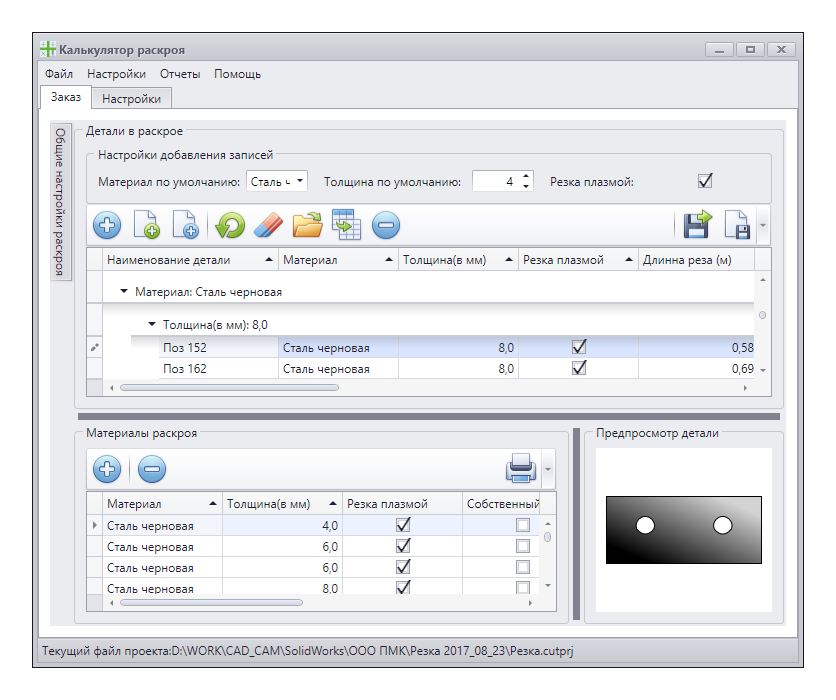
Cutting cost calculator
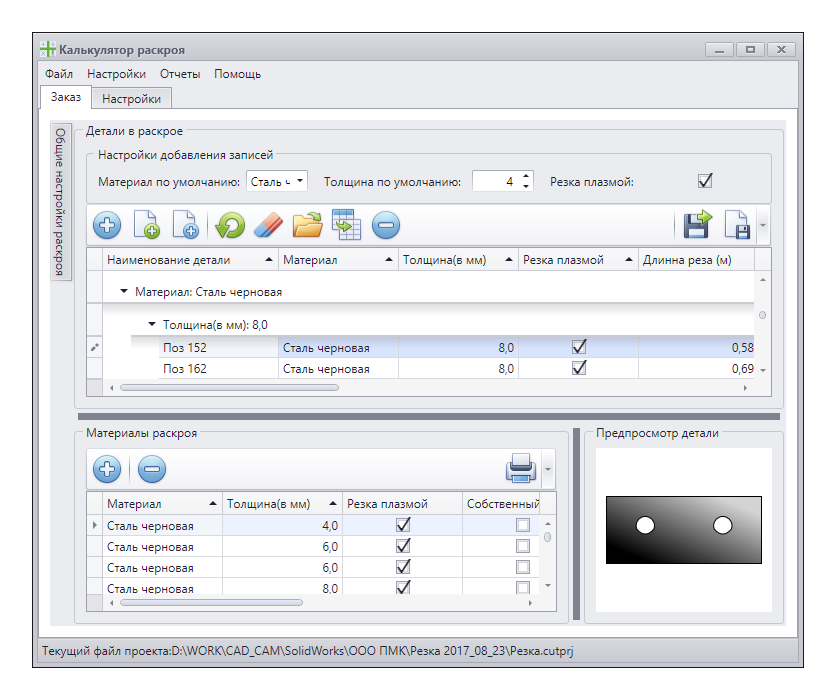
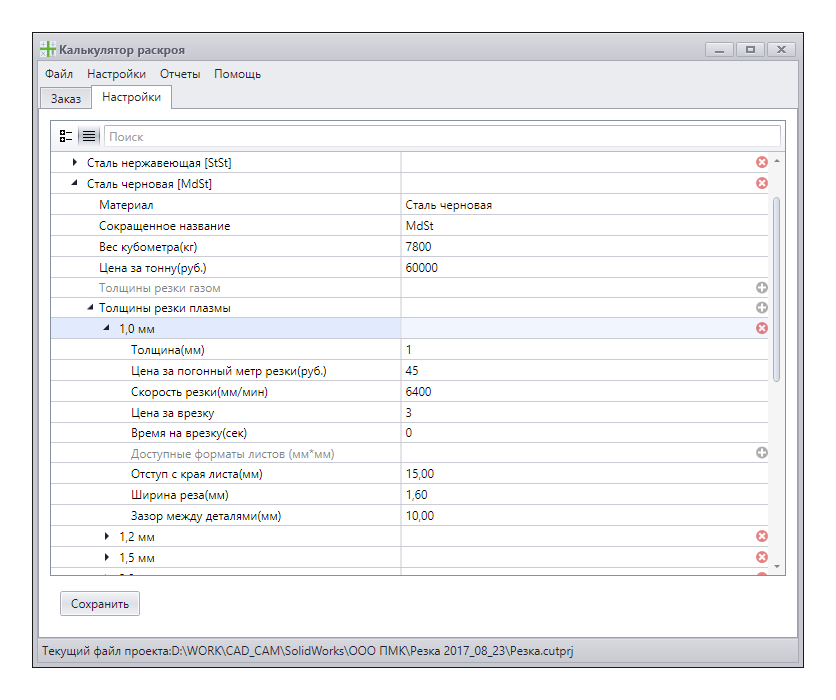
PlasmaCalc calculates gas-plasma cutting costs and lets you flexibly configure your service pricing policy.
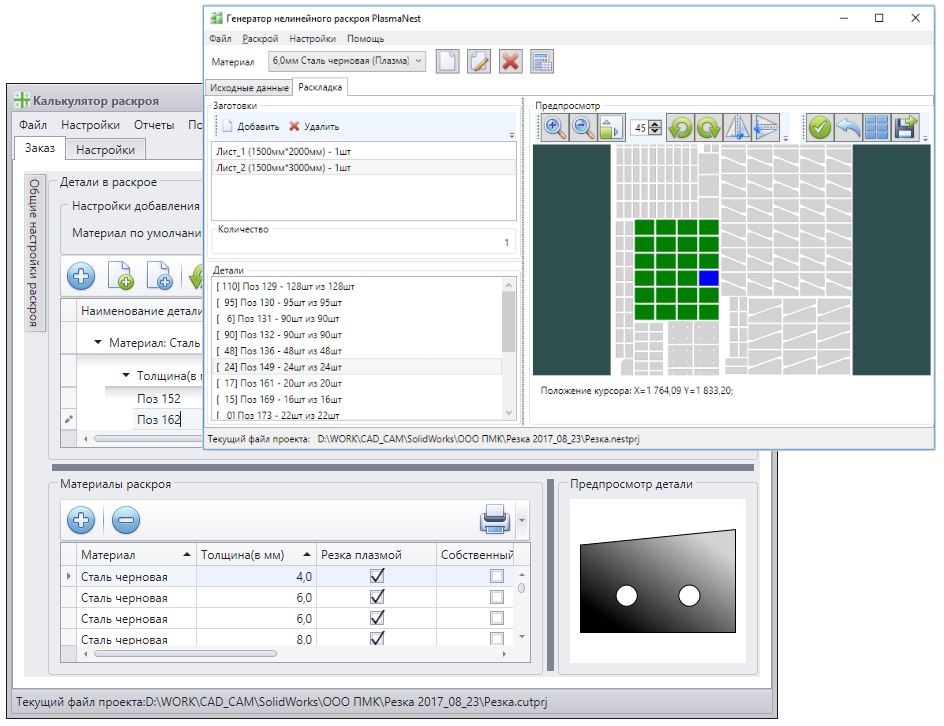
It can import data from nesting projects and export entered data to the nesting module, making both tools part of one production workflow.
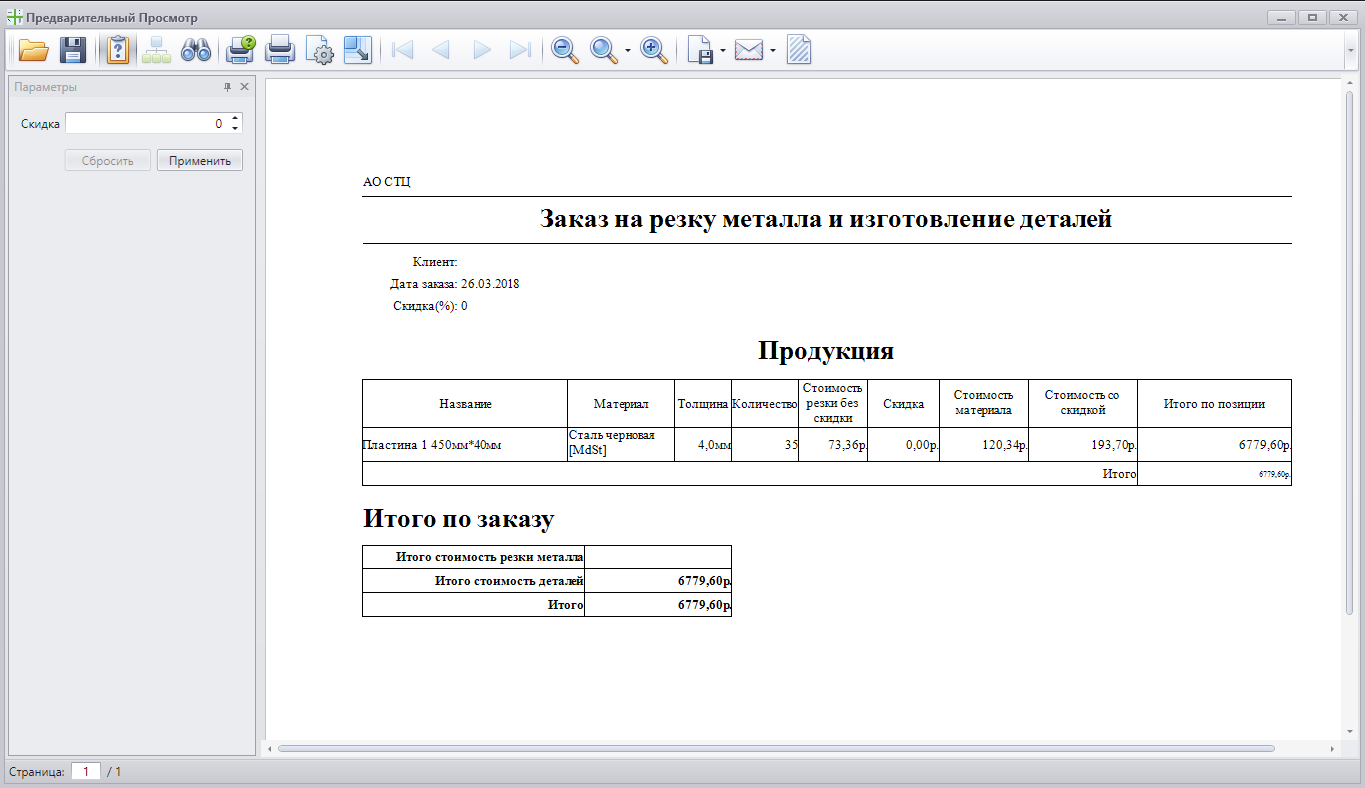
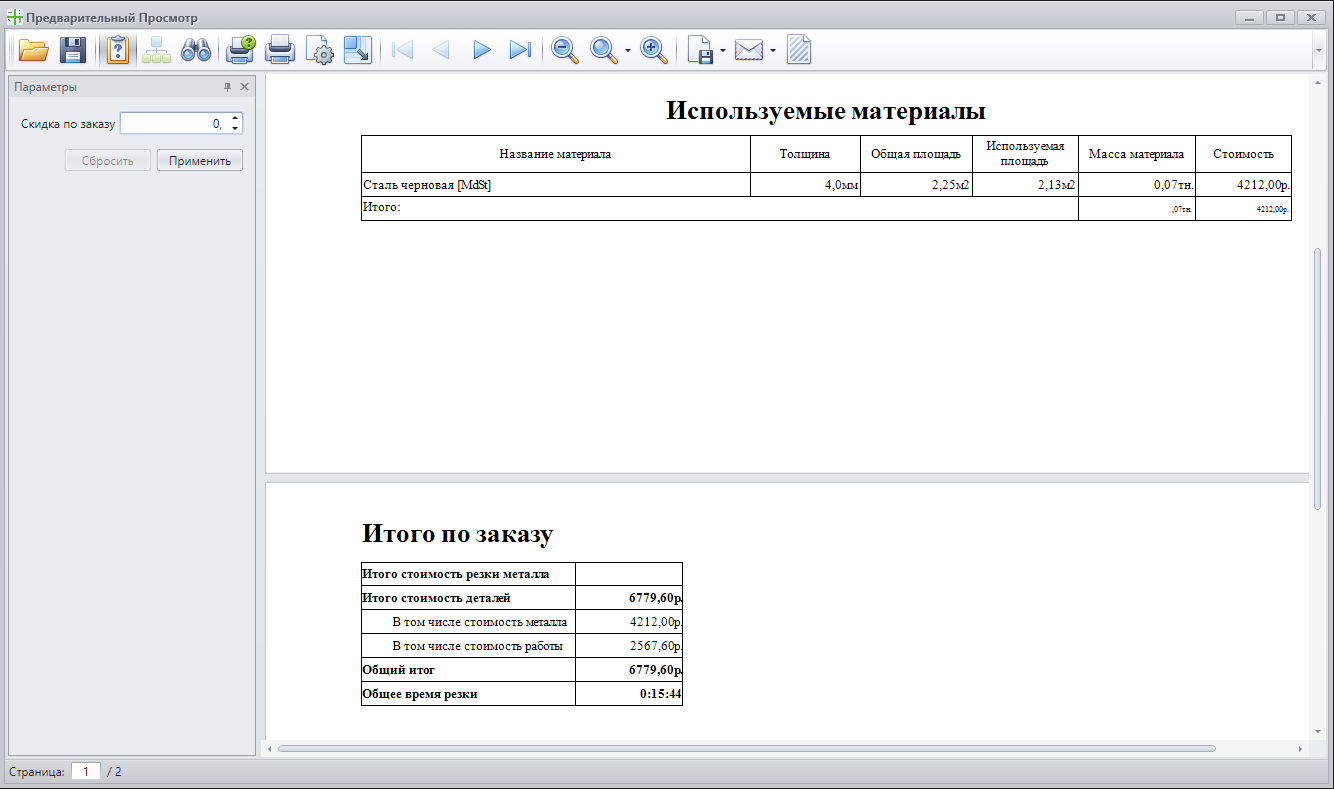
The program generates reports for customers and managers and exports them to common formats. Additionally, the customer receives clear and immediate information about product and service costs. This implements the principle of transparent pricing policy.
The program also allows exporting the price list generated from settings, keeping the public price list always up to date.
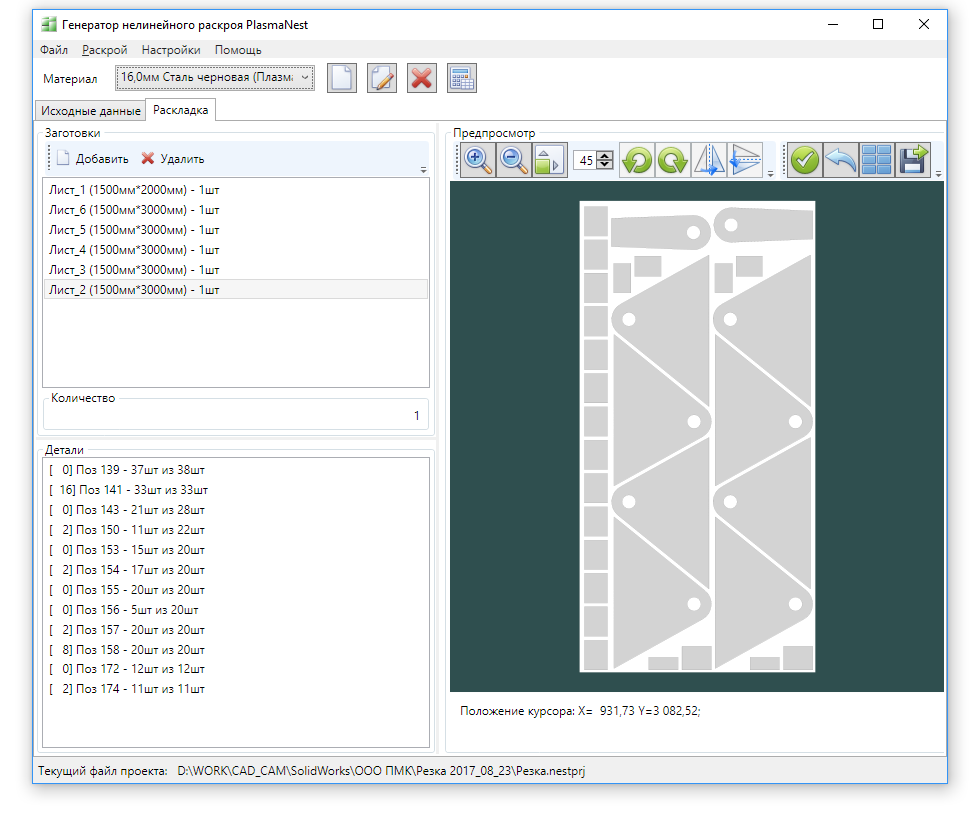
Non-linear nesting generator
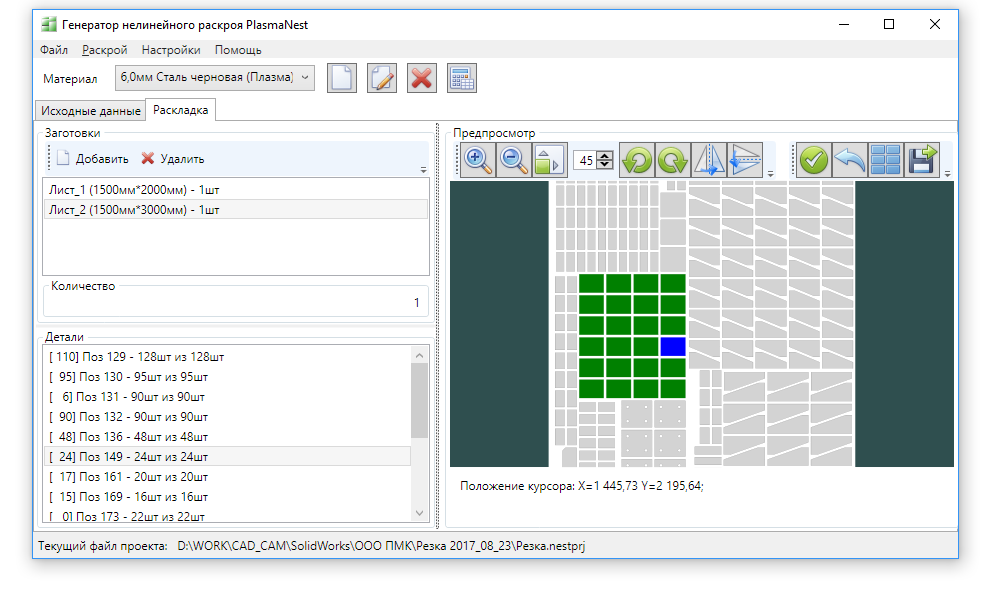
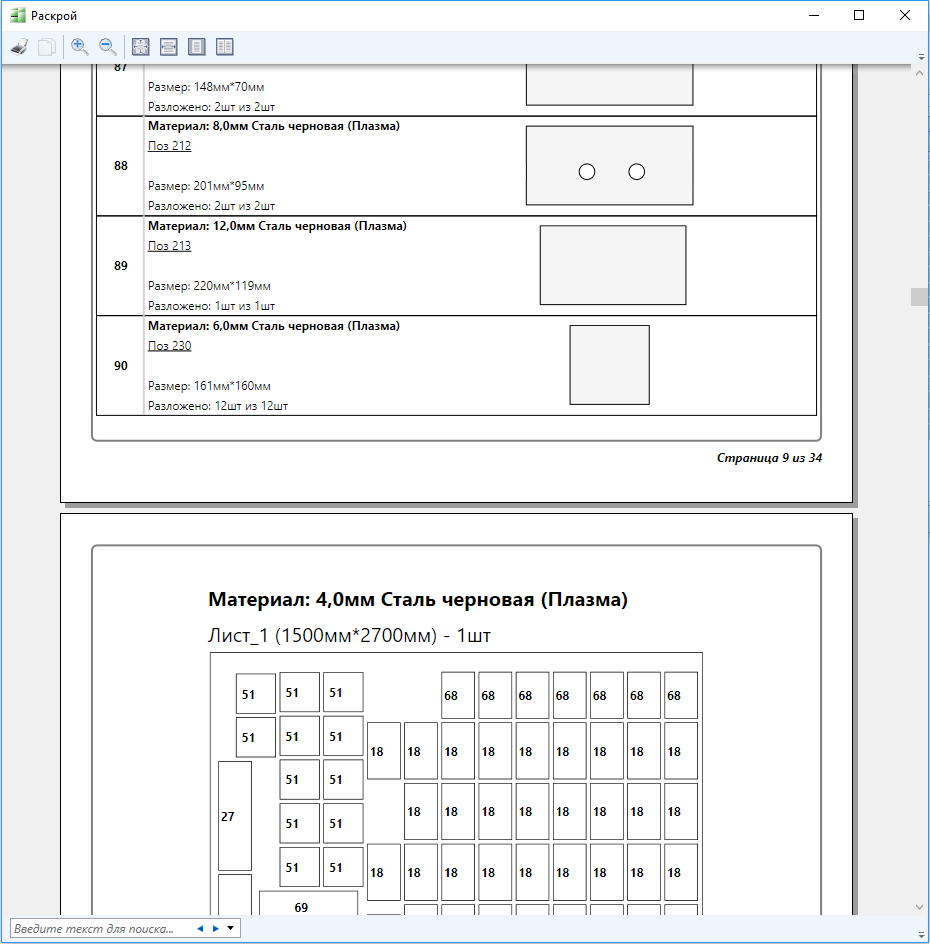
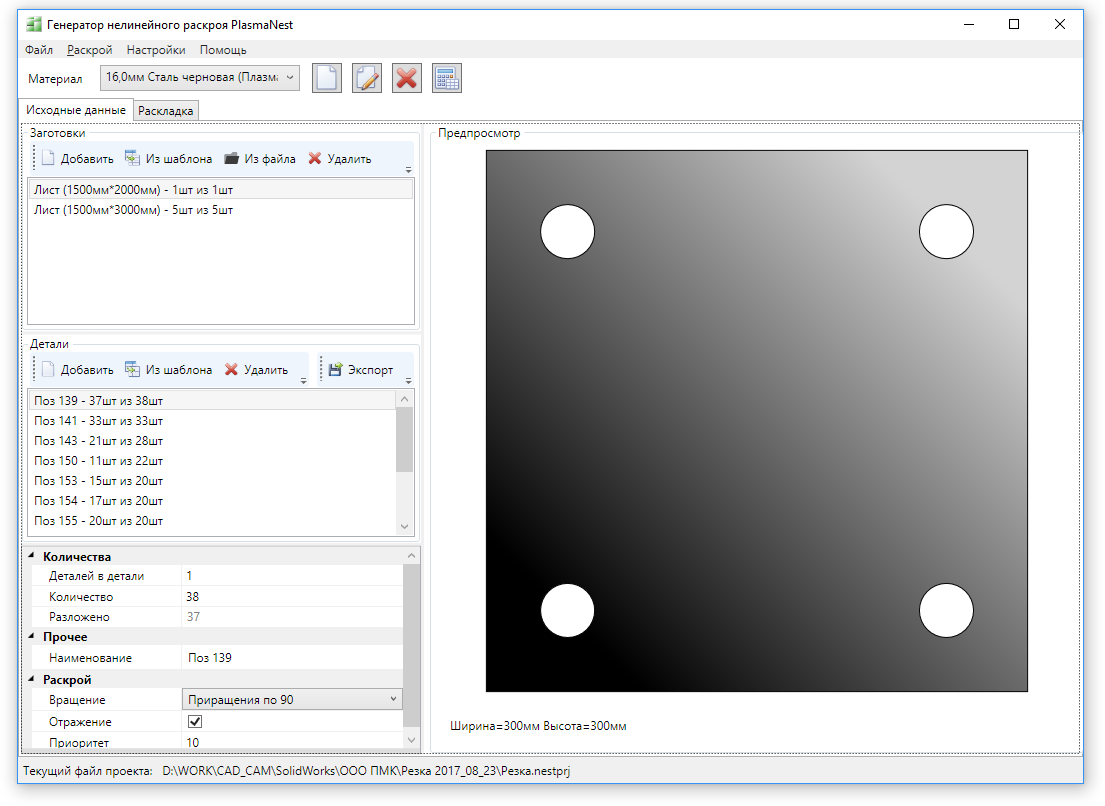
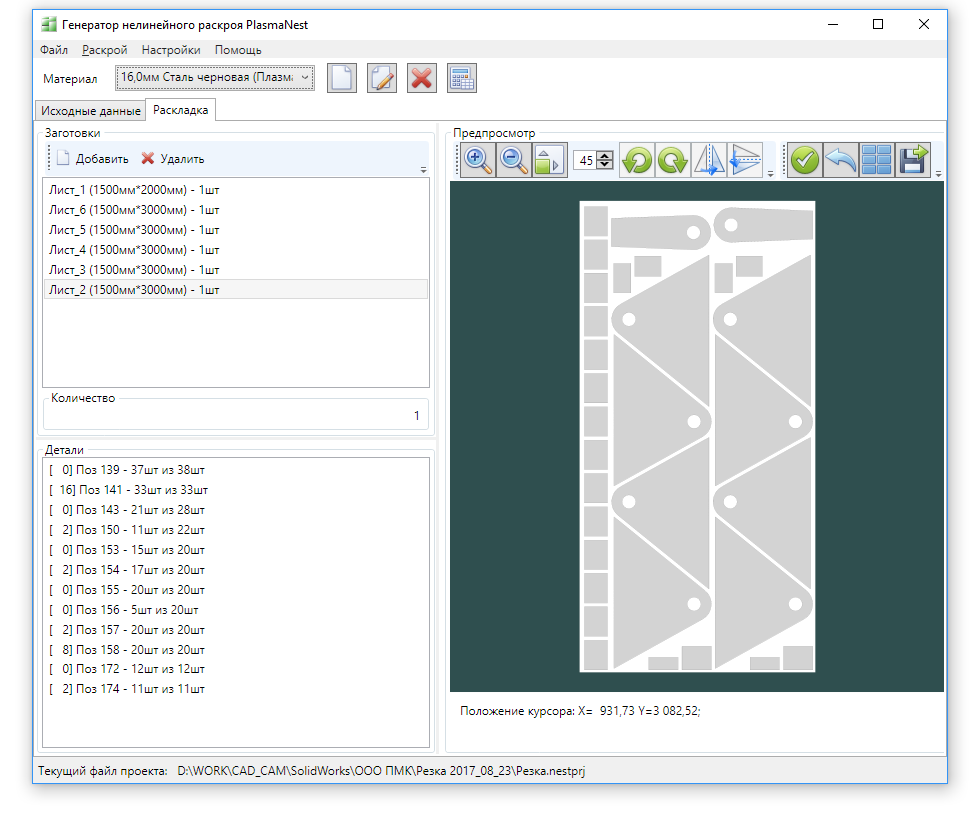
PlasmaNest arranges parts on available sheets and then generates nesting maps. Nesting can be done for one material or several materials at once.
Main features:
- Accounting for nested parts and used sheets;
- Part-in-part nesting mode;
- Open-vector nesting;
- Nesting for several materials at once;
- Editing the nesting result;
- Batch export of results;
- Adding parts from a parametric template library;
- Material library with nesting settings for each material;
- Import of sheets from file or library;
- Printing an overall nesting map.
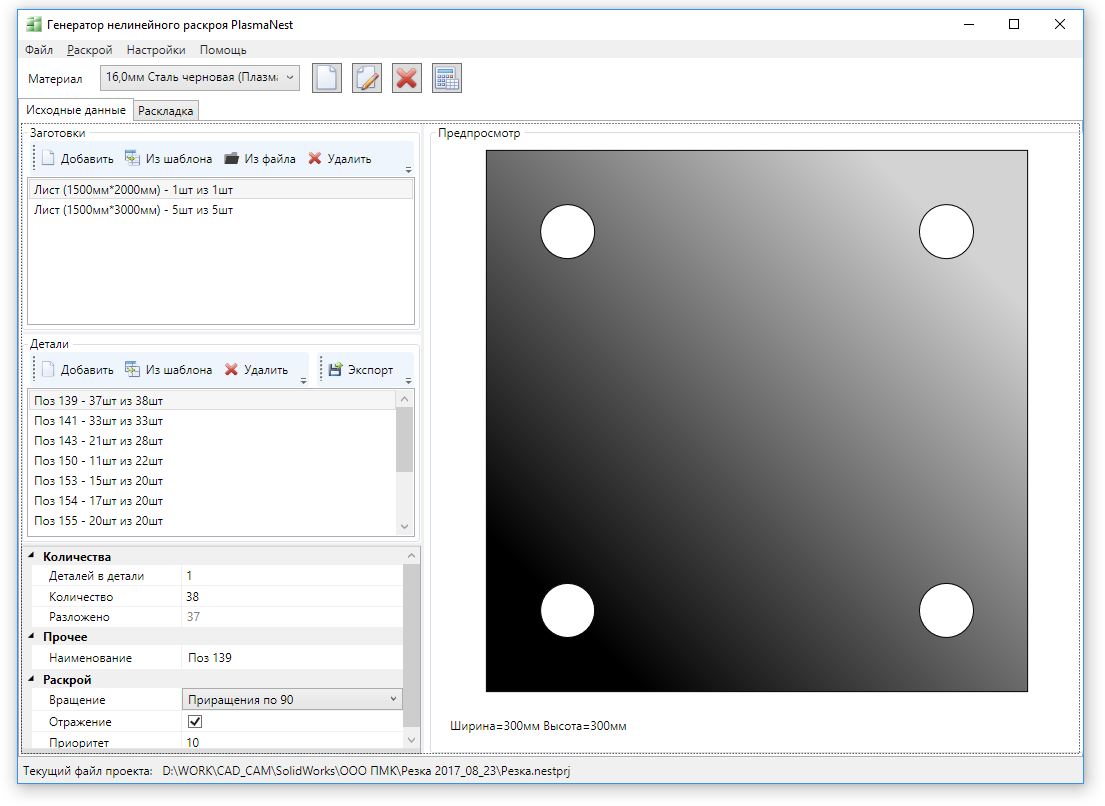
Parametric template library
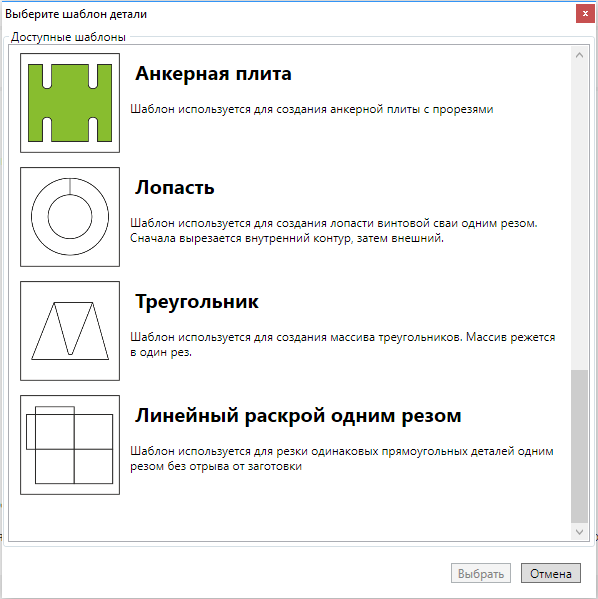
Both programs allow adding part vectors from the parametric template library.
The library contains the following part templates:
- Circle;
- Ring;
- Lug;
- Gusset;
- Rectangle;
- Washer;
- Rectangular flange;
- Round flange;
- Anchor plate;
- Blade;
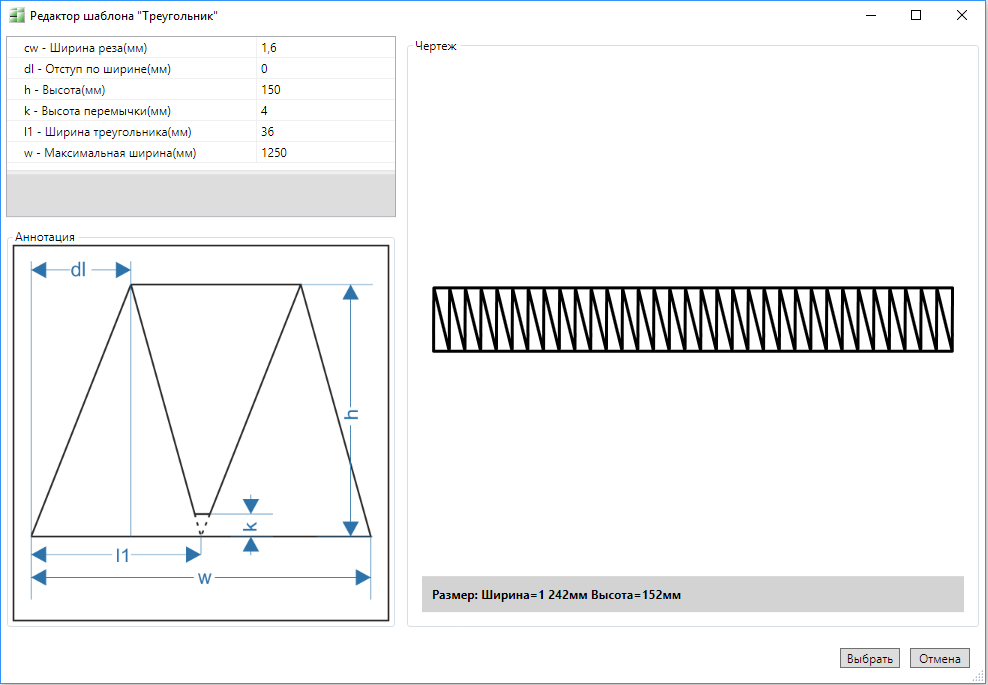
- Triangle;
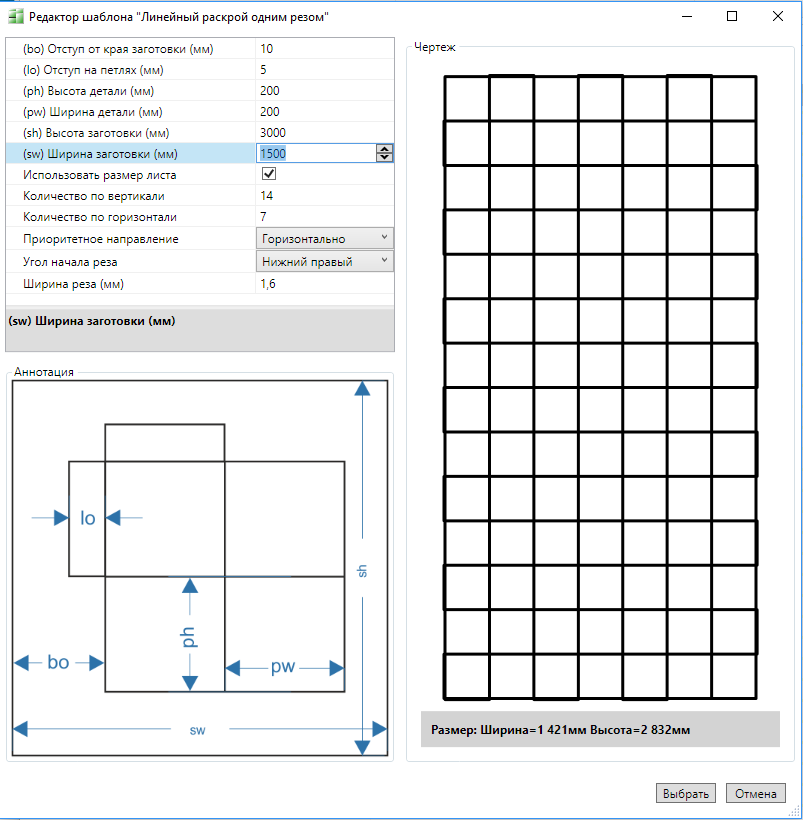
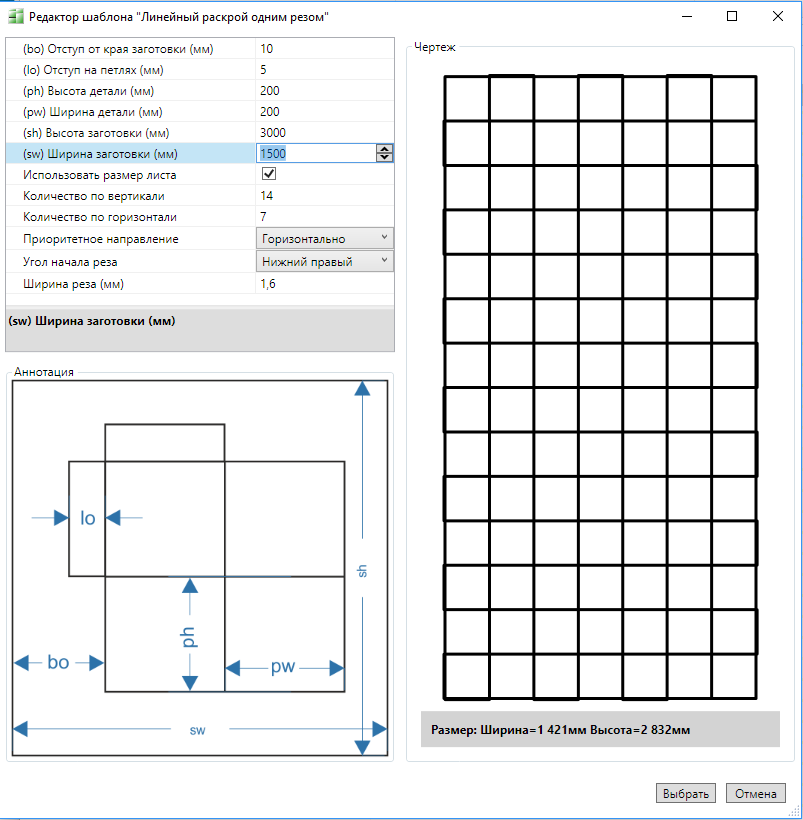
- Linear cut with a single kerf.
The "Linear cut with a single kerf" and "Triangle" templates deserve special mention.
Video of sheet steel cutting into rectangles with a single cut
Video of sheet steel cutting into rectangles with a single cut
These templates represent a vector that allows cutting several parts with a single cut. This cutting method saves significant time when you need to cut parts of rectangular or triangular shape.
Working in Plasmicon PlasmaNest - overview video
Working in Plasmicon PlasmaNest - overview video
Working in Plasmicon PlasmaCalc - overview video
Working in Plasmicon PlasmaCalc - overview video
Software gallery
Select an image to inspect the original at full size. Screenshots show the software’s native interface.
Downloads and manuals
Use all features for 15 days after installation. A licence is required to continue afterwards.
Original supplier file services open in a new tab. Manuals, demonstrations and software screenshots may use a non-English interface.
Licensing and support
Email info@plasmicon.eu to confirm your quotation and purchase details. Read the licence guidance